Clipart and junk journal kits for Etsy, made clear.
Not sure what to sell or how to make it? Get the tools, the video lessons and fresh trending ideas every month.
Join The Studio →
$27 a month. Cancel anytime.



Not sure what to sell or how to make it? Get the tools, the video lessons and fresh trending ideas every month.
Maybe you're opening your first shop. Maybe you have one, and it's really slow. Either way, these are the ones that stop you.
The Trend Report shows you what's rising, what's seasonal and when to list it, every month.
Open a lesson, open the tool and follow along, one step at a time.
The Studio builds cohesive prompt sets, so your whole set looks like one set.
The research comes to you in the Trend Report, and the lessons walk you through pricing.
Remix your bestsellers into new listings, and pick from fresh ideas every month.
They don't have to. Make them quickly in The Studio, including a video mockup for Etsy.
The video lessons show you how, and The Studio is the main thing. It's where the slow parts go faster, so you get more time for the part you love: making beautiful things.

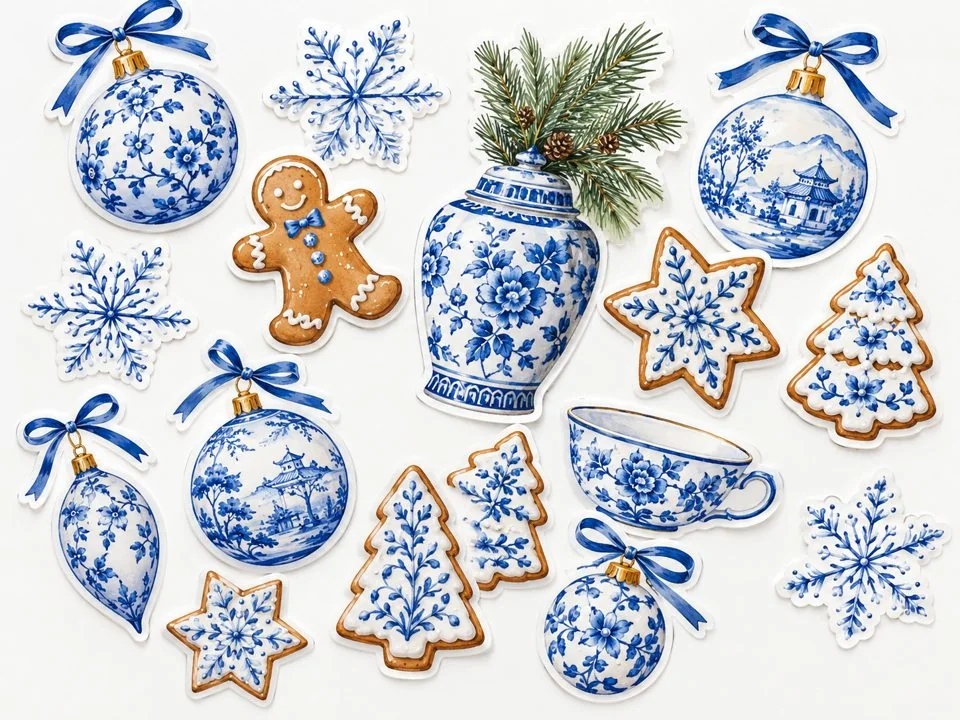
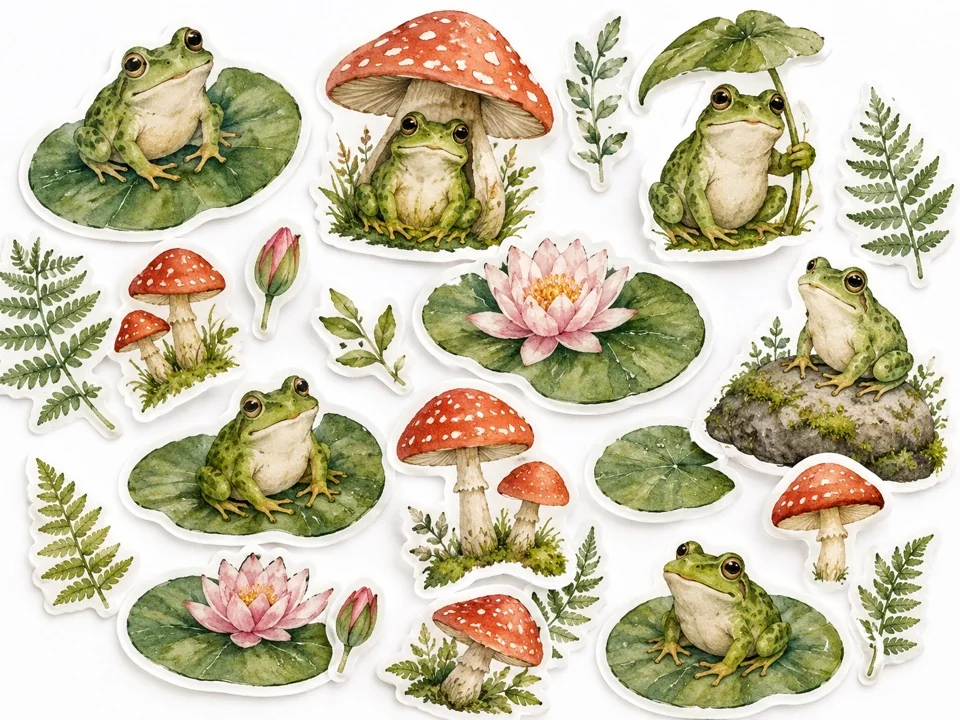

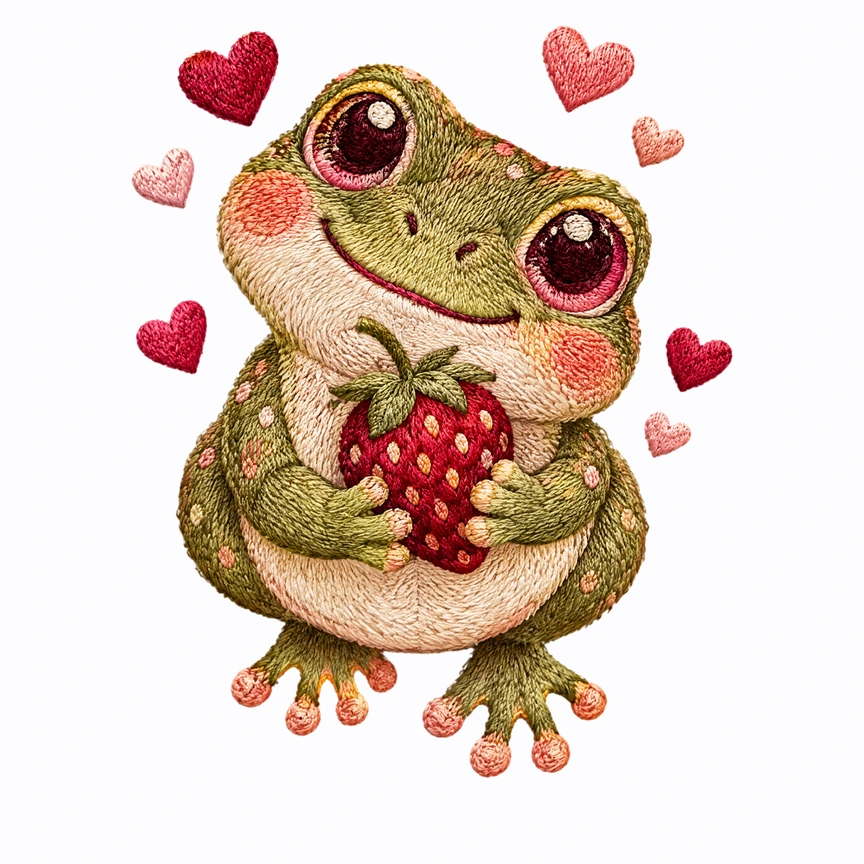

Drag to see the before and after
What's a prompt? It's the description you give an AI image tool, like Kittl or ChatGPT, so it knows what to make. You choose the subject, style and colors, and The Studio builds matching prompts.

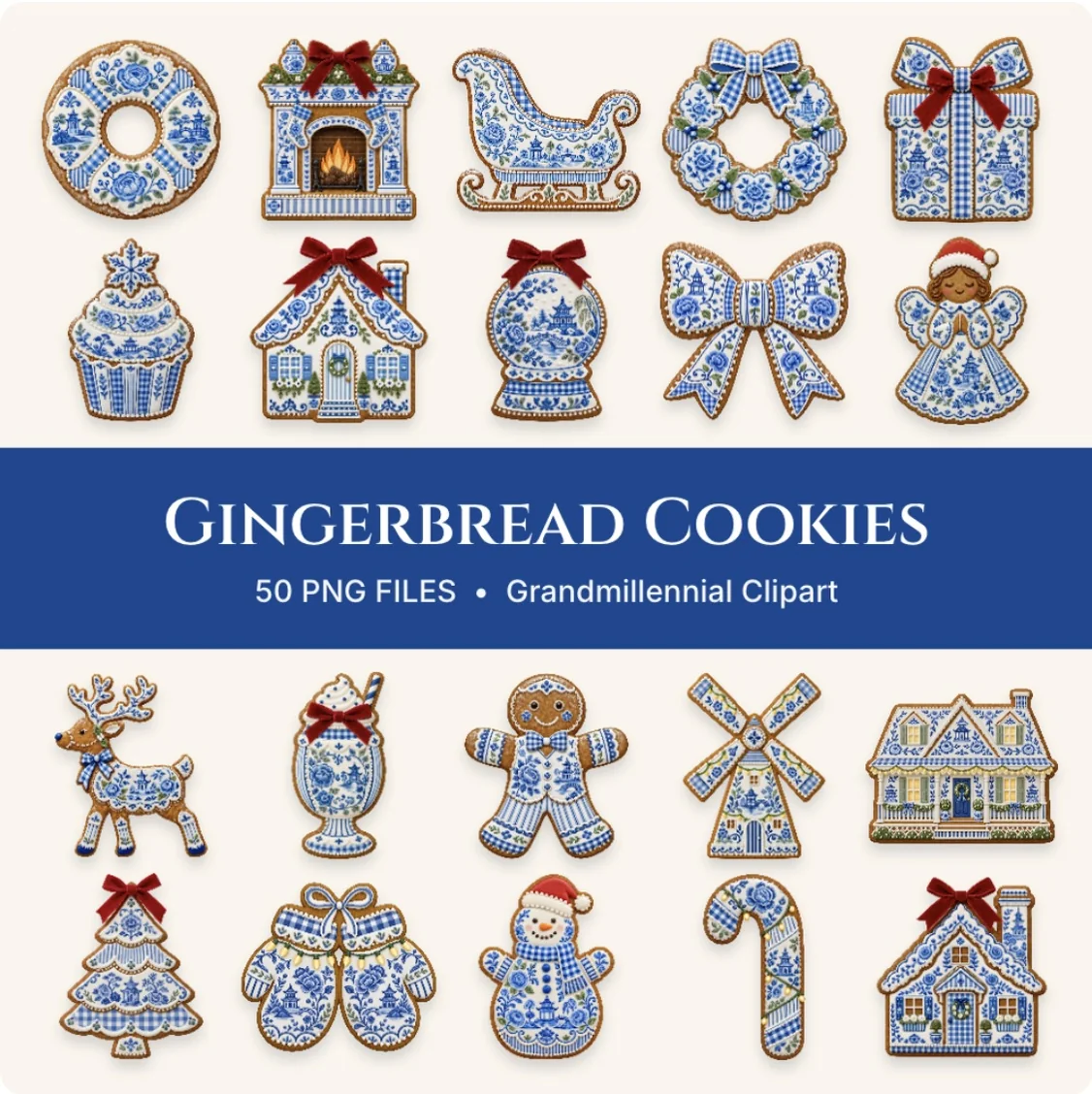
The walkthrough videos take you from start to finish and get straight to the point, so there's no pile of videos to dig through first. You can finish your first set in one afternoon.
You'll also see how people actually buy this stuff on Etsy. Clipart and junk journals are two different categories, and you can make either one, or both.
Every month you get a 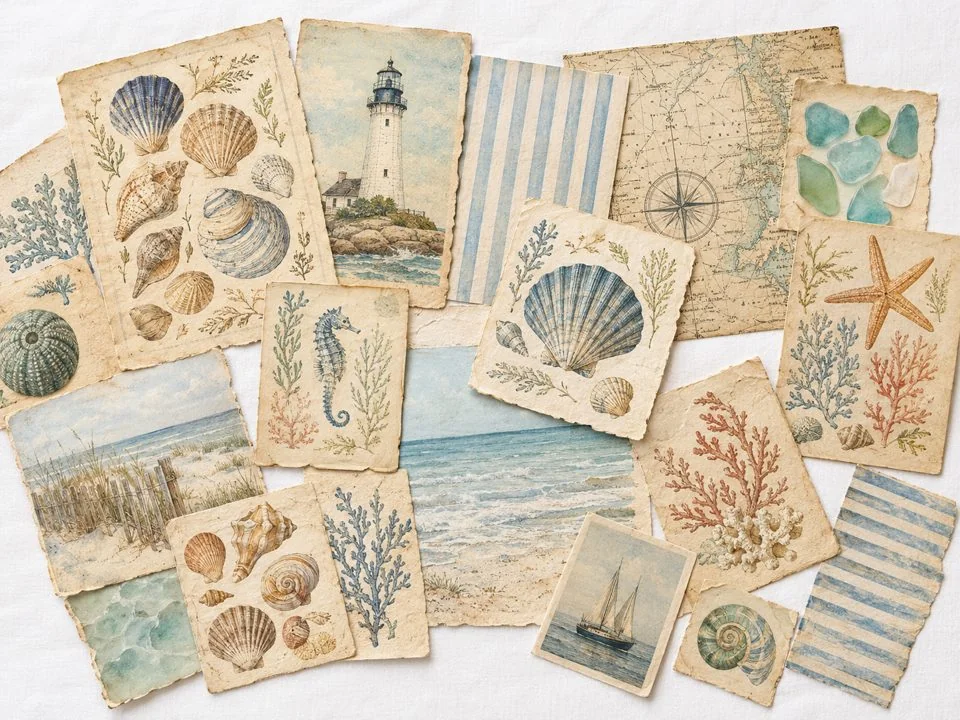 Trend Report, early enough to list in time,
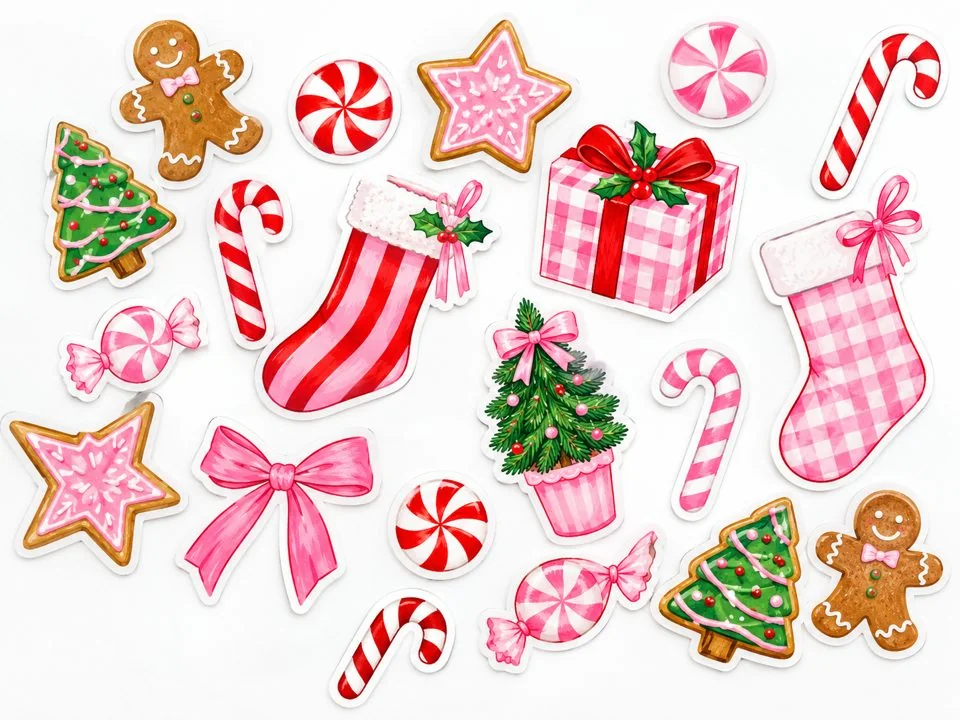 new prompt sets for those trends, and a
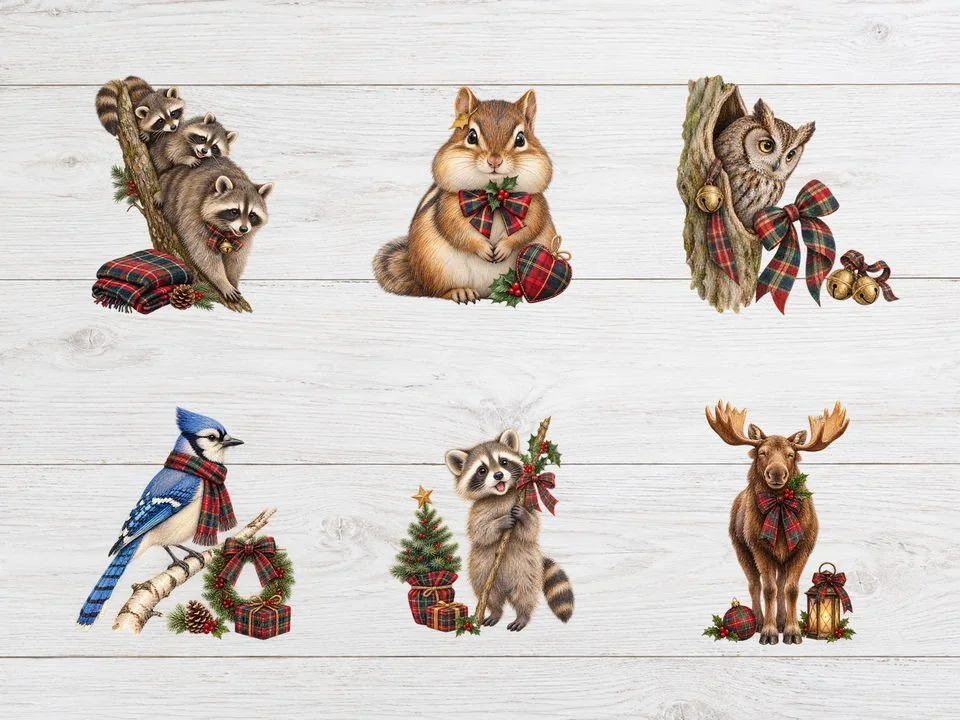 Monthly Drop, where I make a product start to finish so you can watch every step.
November's Drop: Heritage Tartan Christmas clipart and a Retro 1950s Christmas junk journal kit.
Inside, you'll have a really supportive community of sellers making the same kinds of things you are. Share what you're working on, ask your questions and celebrate wins with people who understand why a first sale feels so good.
I go through your Etsy shop and send you a PDF showing what's working and what I'd do next.

I've been a designer for more than 15 years, and The Studio is the system I use in my own Etsy shops. I built it because every good idea came with a hundred small questions, and I wanted one place that answered them.
New or already selling, you're welcome here. I'll be right there with you.
a month
Join The Studio →This founding price stays yours for as long as you're a member. Cancel anytime.
Yes. The tools do the technical parts, and the lessons show you each step on screen. If you can follow a video, you're ready.
Not at all. Pick Your Path starts at the beginning, and the lessons take you through who buys, what to make, how to price and what your first 90 days really look like.
You'll get monthly trending ideas, a way to remix your bestsellers and a review of your shop from me twice a year. Results vary from shop to shop, and you'll get fresh ideas every month.
No. You choose the subject, style and colors, and The Studio builds your prompts. Then you make the images in an AI image tool, like Kittl or ChatGPT, and I'll show you how. After that, The Studio helps with everything around them, like upscaling, patterns, mockups and your delivery PDF.
Yes, within Etsy's rules. AI creations need to come from your own input, and your listing description has to say when AI was used. The lessons walk you through what's allowed. Always check your images and listings before you sell, and leave out trademarked characters, logos, brands and song lyrics.
That's okay. There's a full junk journal side with its own tools, trends and lessons.
You'll join Design Made Clear Studio on Skool. Your lessons and community are there, along with your way into The Studio.
Thank you for being here from the beginning. The Studio is where all my new updates are going, so come see what they've grown into.
Results vary from shop to shop, so I can't promise sales. What you'll get is a clear path, fresh ideas every month and real feedback on your shop.
You can cancel anytime through Skool, and you'll keep access through the time you've already paid for. After that, you won't have access to the membership, the monthly Trend Reports, The Studio or anything else inside. You can still sell what you already made. Memberships aren't refundable, so take a good look around this page first. Your $27 founding price stays yours for as long as you're a member.
You can finish your first set in one afternoon.
Join The Studio → You'll finish joining on Skool. $27 a month, cancel anytime.